
Motion Design
Introduction
Last updated: 7 January 2026, 12:48 by Daniel Wysocki
At Nordea, motion is an integral part of our design language. It enhances user experience by making interactions feel intuitive and engaging. Motion provides feedback, directs attention, and brings a sense of continuity across Nordea’s digital services.
Design
Animations within Nordea digital services are designed for micro-interactions, feedback, and state changes, such as:
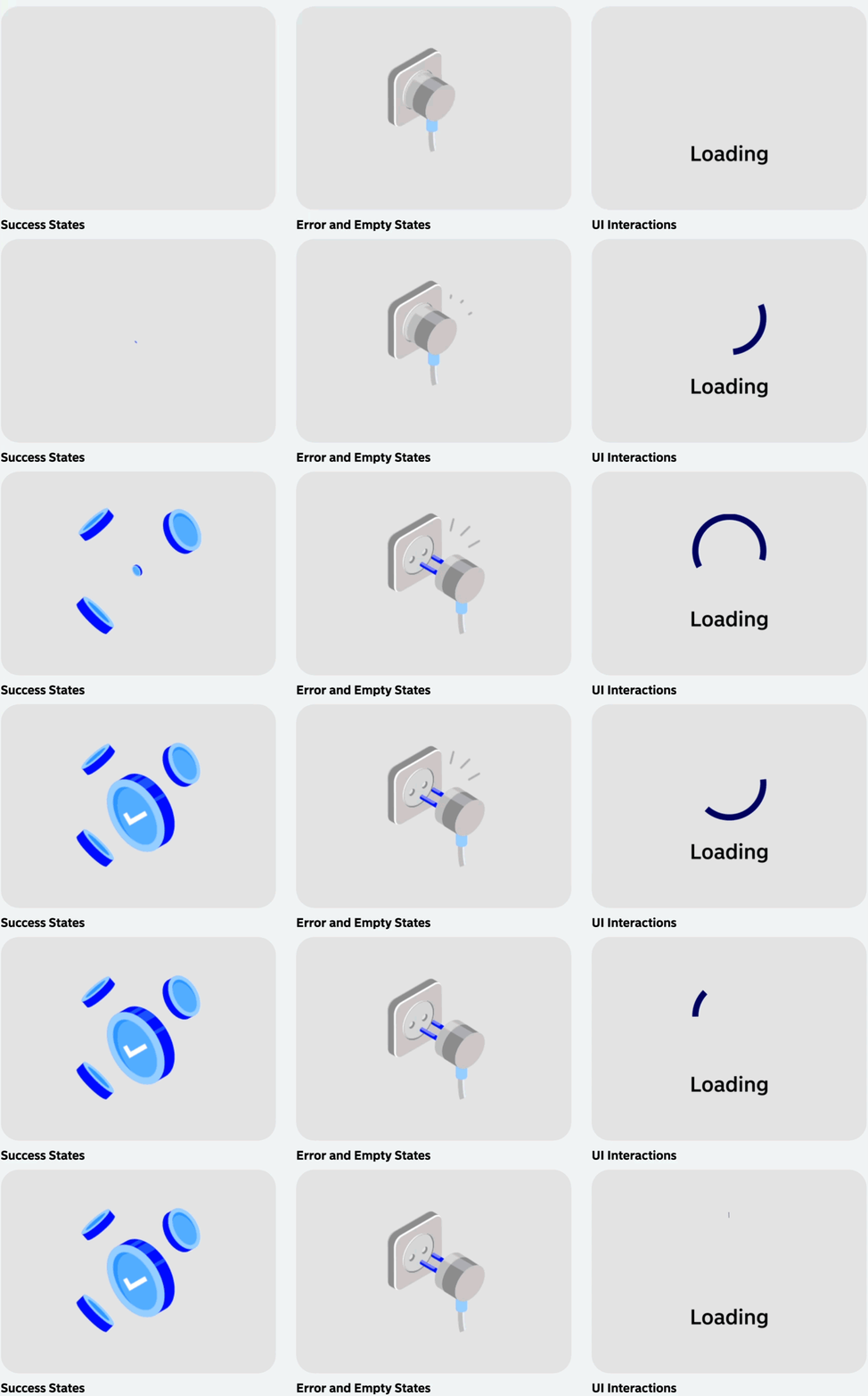
- Success States: Confirmation, completion etc.
- Error and Empty States: Warning messages, denial, not found etc.
- UI Interactions: Micro animations such as hover, expansion, loading.
Motion Principles
Clear Purpose
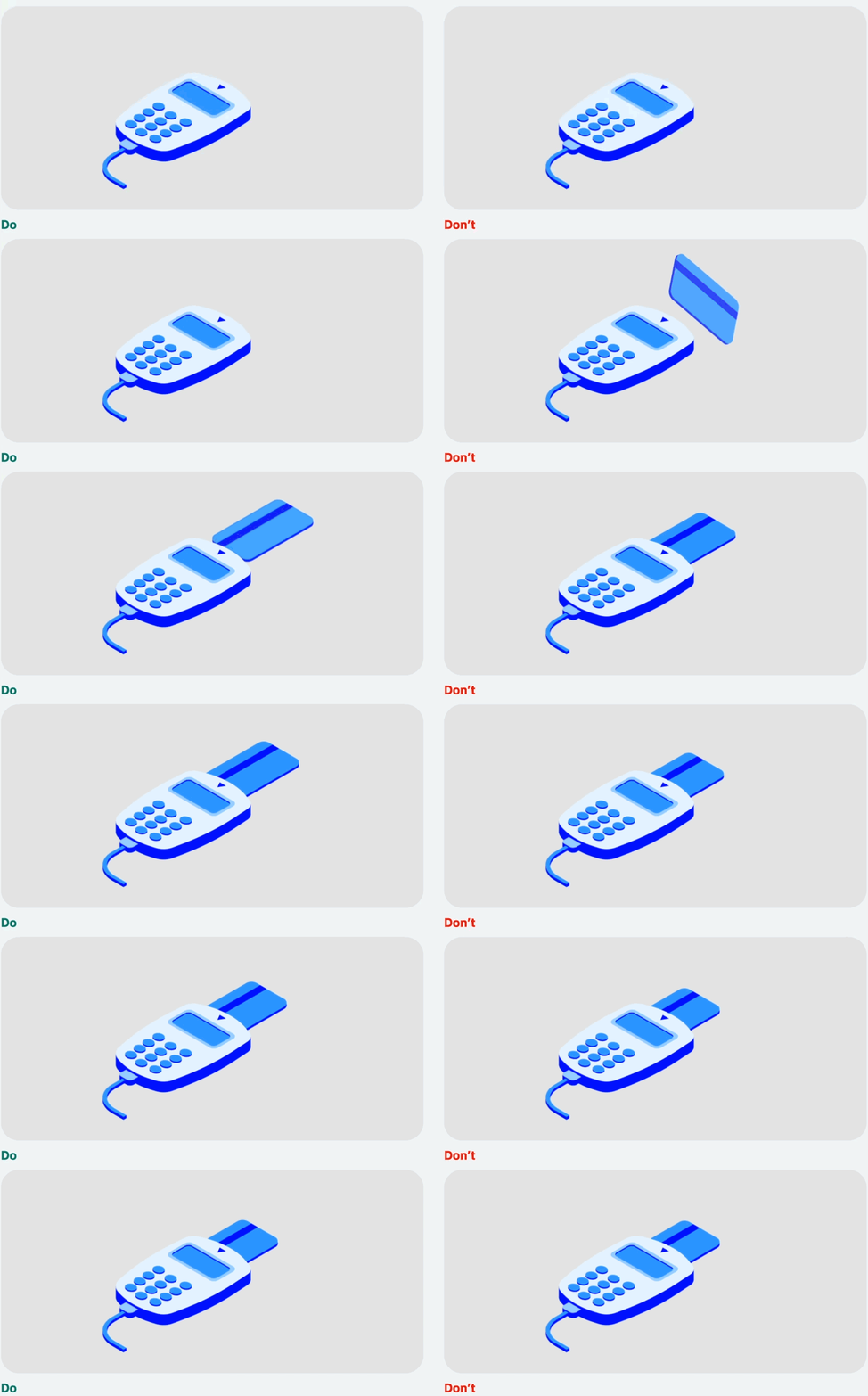
Motion should enhance usability and clarity, not distract users from their primary tasks. The animation should be natural and subtle – not be fast or over exaggerated.
One Animation per View
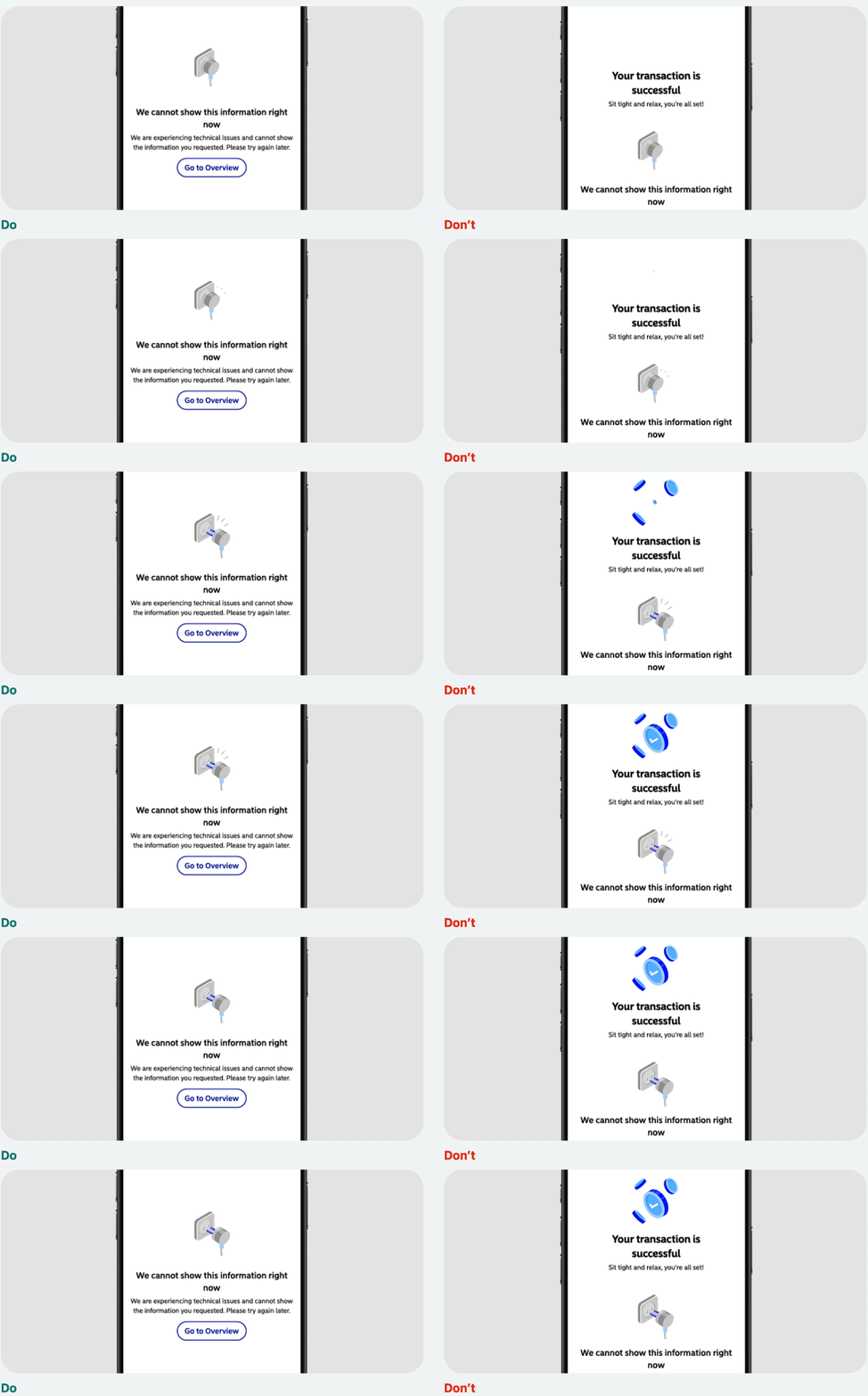
Do not have multiple motion graphic illustrations (such as success, error and empty states) shown at a time. This distracts users and disrupts hierarchy and attention.
Avoid Mixing Motion and Static Images
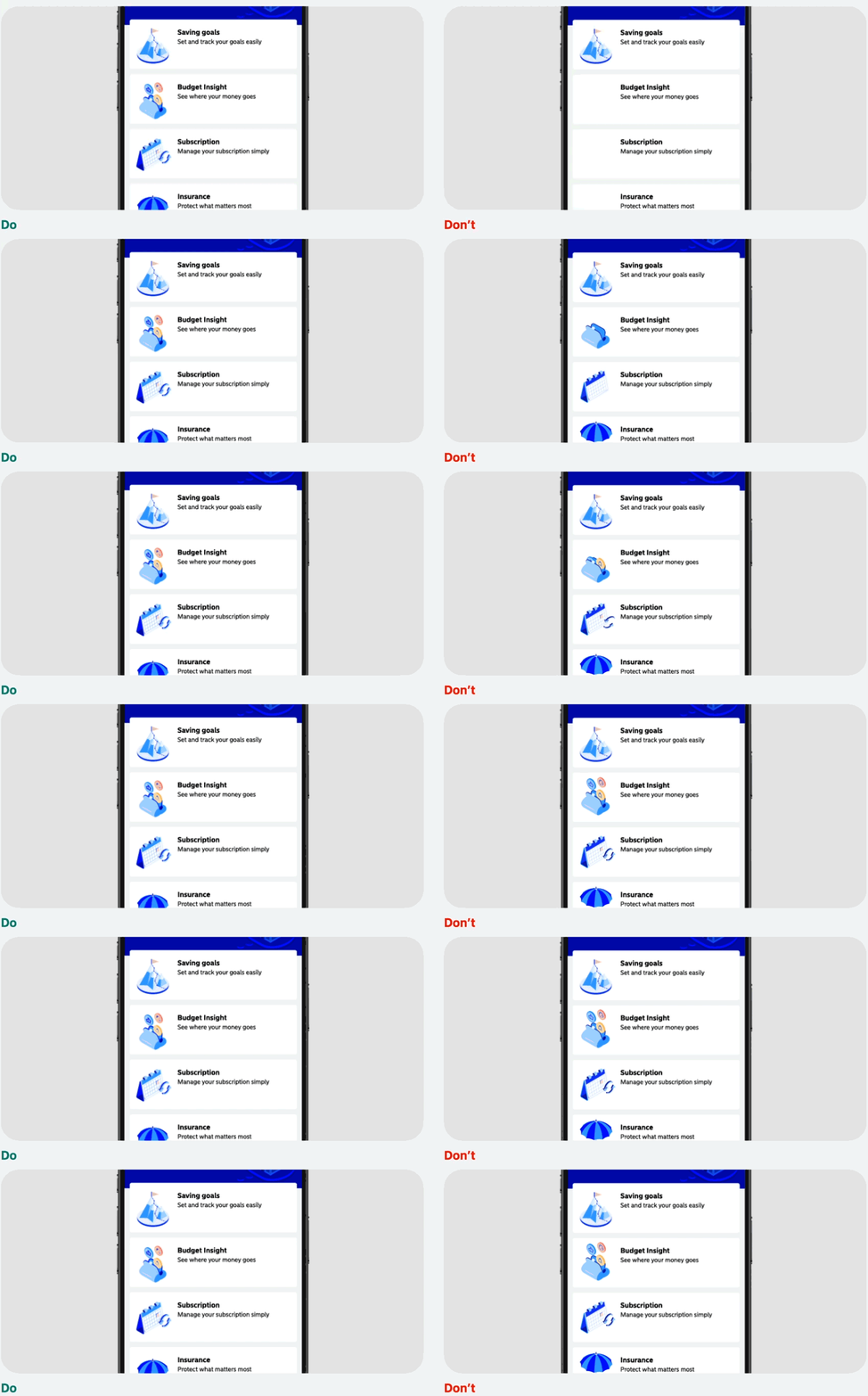
If static and motion is shown at the same time it can be hard for a user to distinguish the hierarchy of the page and draw there attention away from the main message/element. Therefore use static images; not multiple animations.
Friendly but Professional
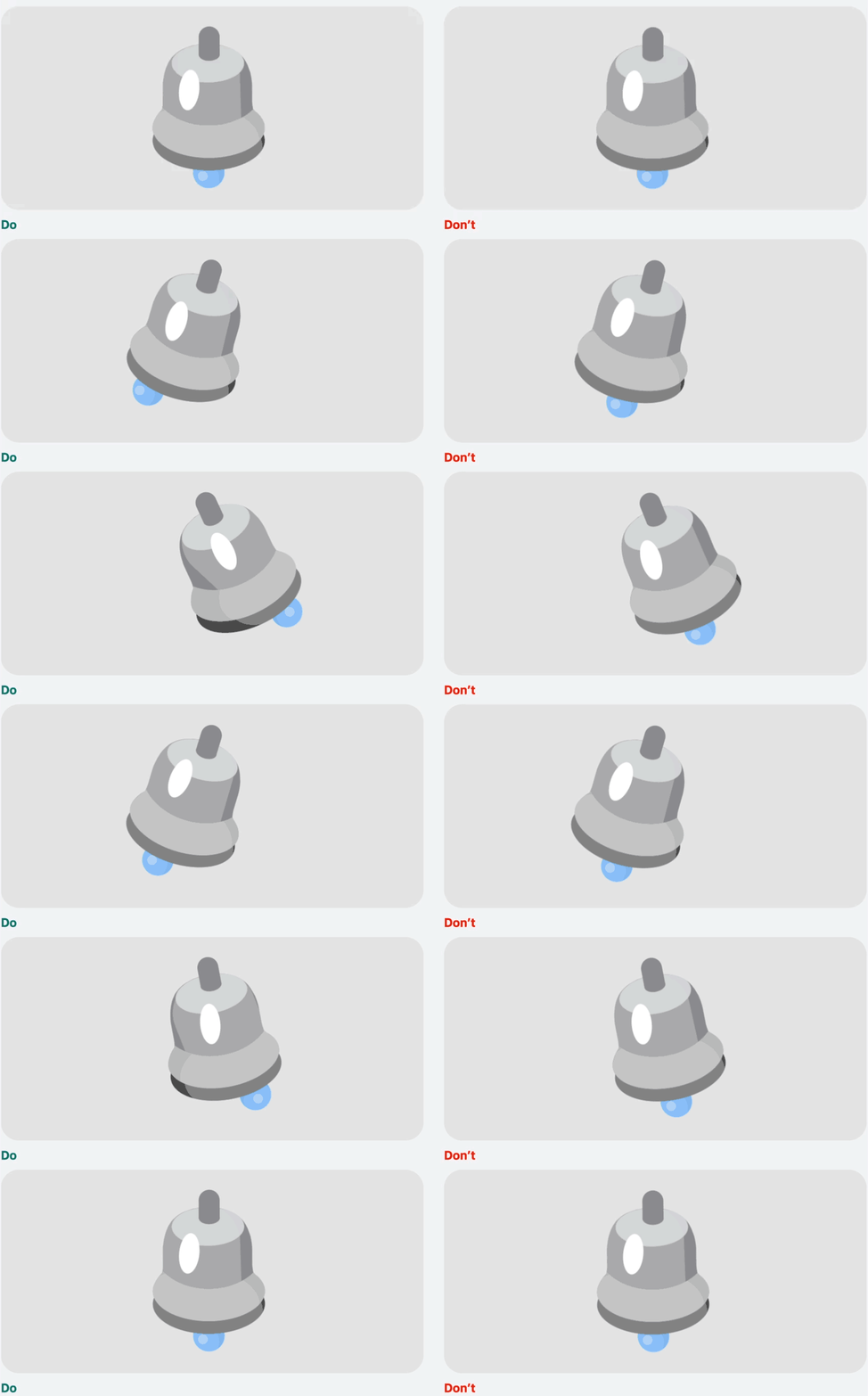
There should be a level of realism to our animations physics e.g if an object is heavy it will fall faster. However we do have subtle floating animations for showing depth and adding delight. See more in our Parameters.
Decorative Only
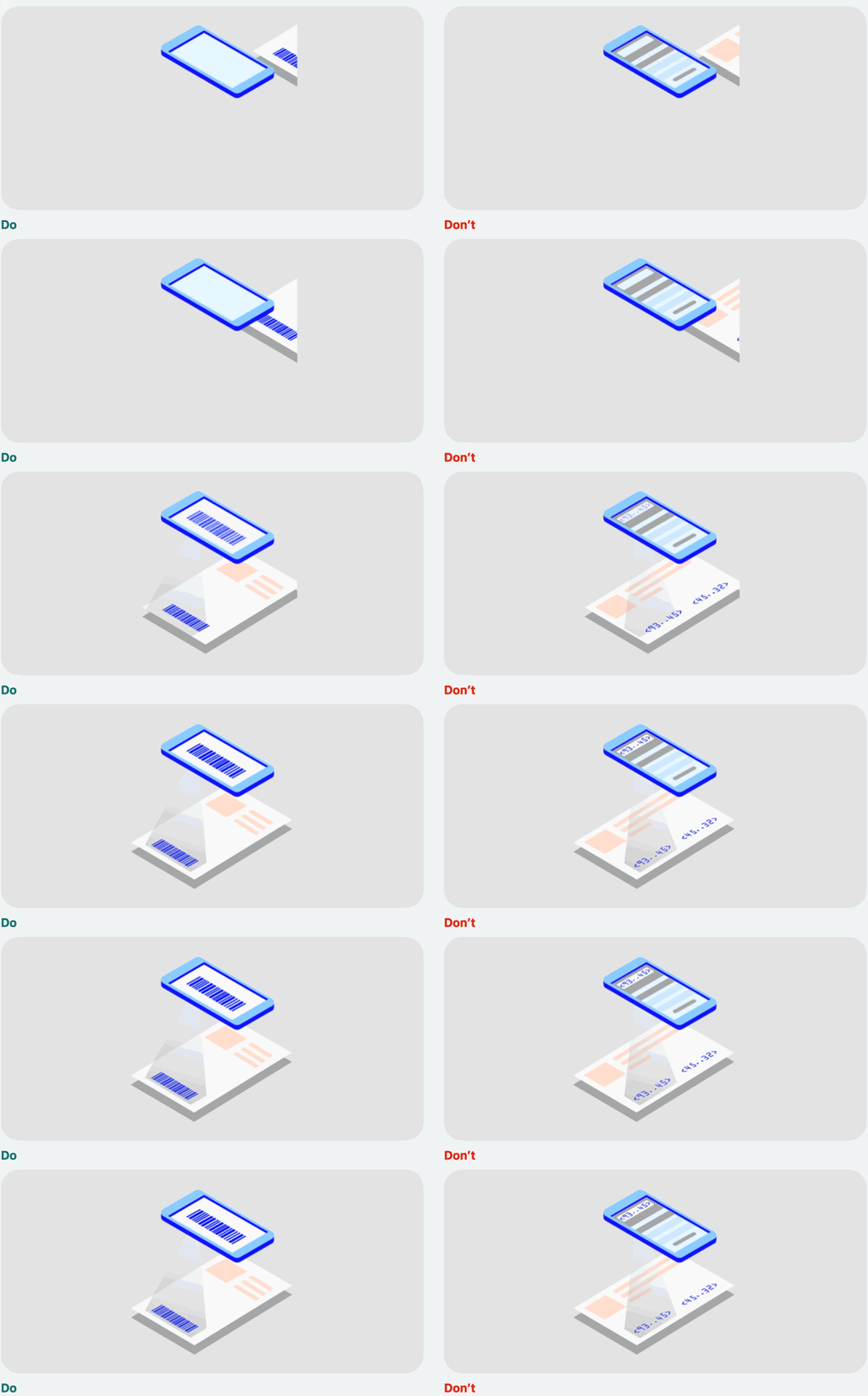
The animations should not display any sensitive or confidential information. They are for decorative purposes only to envoke delight and further our branding.
Accessibility
Flashing and Movement
Motion should be designed to be inclusive and considerate of users with sensitivities, excessive movement may cause discomfort. Movement should be natural and subtle; Avoid flashes, jarring movements, or any other sudden movements that could trigger an epileptic seizure.
If flashes can not be avoided keep it under thresholds; no more than three general flashes in any one second period.
Duration
Avoid animations that last more than 5 seconds. If an animation exceeds 5 seconds, allow for the mechanism to pause, stop, or hide it within the operating system and/or browser; do not override system settings.
- A static fall back image should be created to ensure that a visual is still on display if motion is deactivated or can not be shown.
- Do not loop an animation
Restrict Amount
Keep the motion constrained to the element in focus. Adding motion in other areas of the screen may distract from the task at hand.
Decorative
Animations such not be relied on to inform customers, therefor they should be marked as decorative, such as our static illustrations.