
Motion Graphics Parameters
Introduction
Last updated: 23 December 2025, 11:35 by Daniel Wysocki
Defines key settings and attributes that control the behaviour, style, and animation of motion graphics, including timing, transitions, and visual effects.
Ease Parameters
The easing and timing of animations impact how users perceive speed, responsiveness, and intent.

Ease in
Animation gradually accelerates from a slow start to full speed. It makes animations feel smoother, natural and less alarming.
Ease out
Animation gradually decelerates from full speed to a gentle stop, creating a smooth ending effect. It makes the interface feel responsive and organic.
Ease in and out
Animation both starts slowly and ends slowly, with acceleration in the middle, creating a smooth transition throughout.
Offset and Delay
Defines object relationships and hierarchies when introducing new elements and scenes.
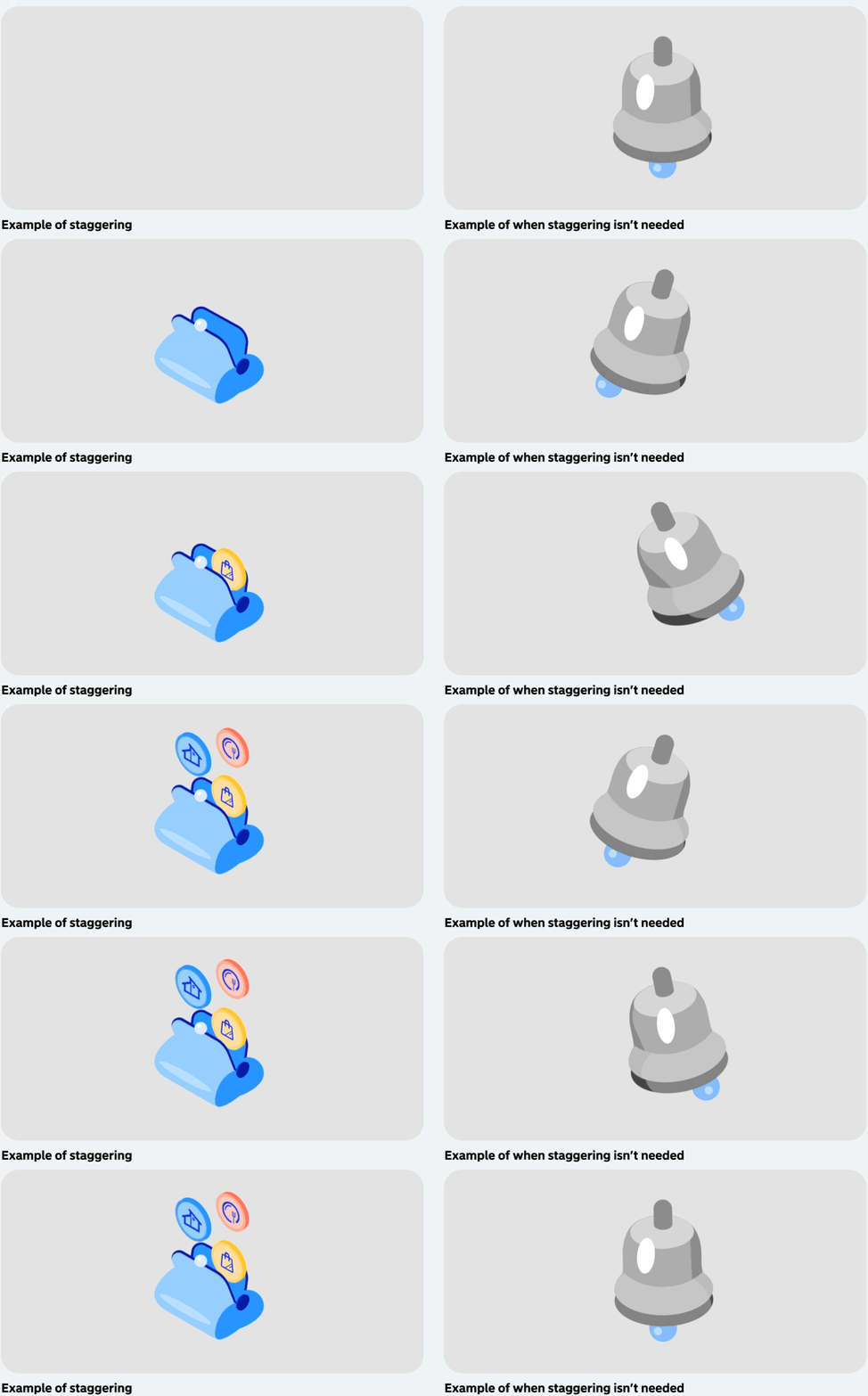
Staggering animations creates a cleaner, less distracting interface by introducing elements one after another instead of simultaneously. This guides the user’s attention smoothly and prevents visual overload.
Benefits of staggered animations:
- Creates natural visual hierarchy
- Reduces mental effort for users
- Adds refinement through subtle timing variations
While keeping animations minimal, always respect how objects behave in the real world:
- Heavy objects: Show proper momentum and gradual stopping
- Pressurized items: Quick initial movement with gradual settling
- Elastic elements: Display appropriate stretch and rebound
- Rigid components: Move with less flexibility than fluid ones
This approach keeps animations subtle yet meaningful, using familiar physical behaviours to seem more natural and familiar.
Consider adding a 15-frame delay before animation start to prevent jarring immediate playback when content loads. This brief pause allows users to register the interface before motion begins, creating a more intentional and polished experience.
Transitions
How we introduce a element when it comes into view and how it leaves that view.
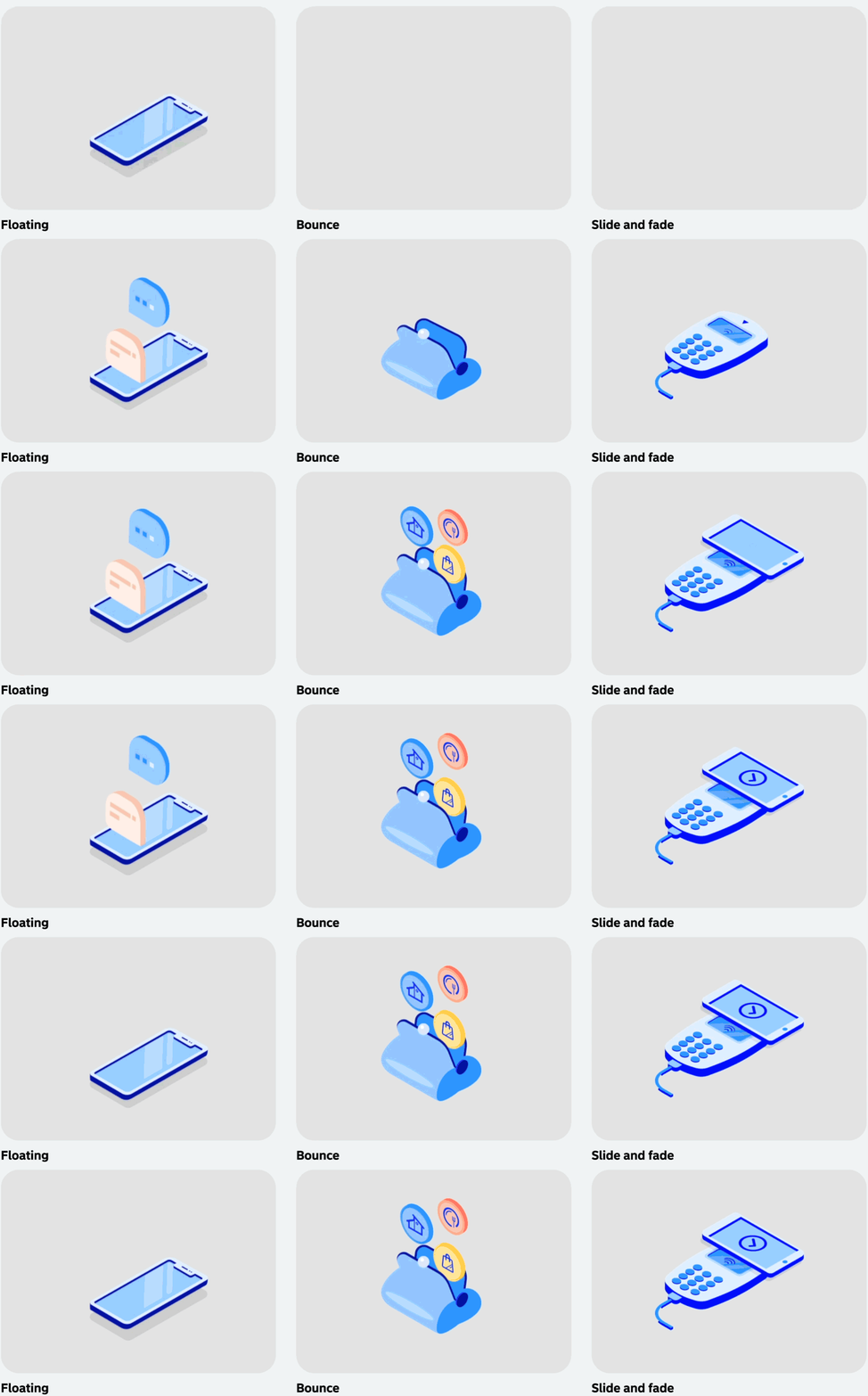
Floating
As we use shadows, we depict some of our illustrations as floating when static. To add motion there should be a subtle, slow moving of objects up and down.
Bounce
When an object falls into view, depending on its physics we can make that object have a small “bounce” animation to invoke playfullness.
Slide and Fade
Sliding is used when an object is coming into and out of view. When sliding in, introduce a small overshoot for a more natural feel. Keep the slide duration short but slow.